































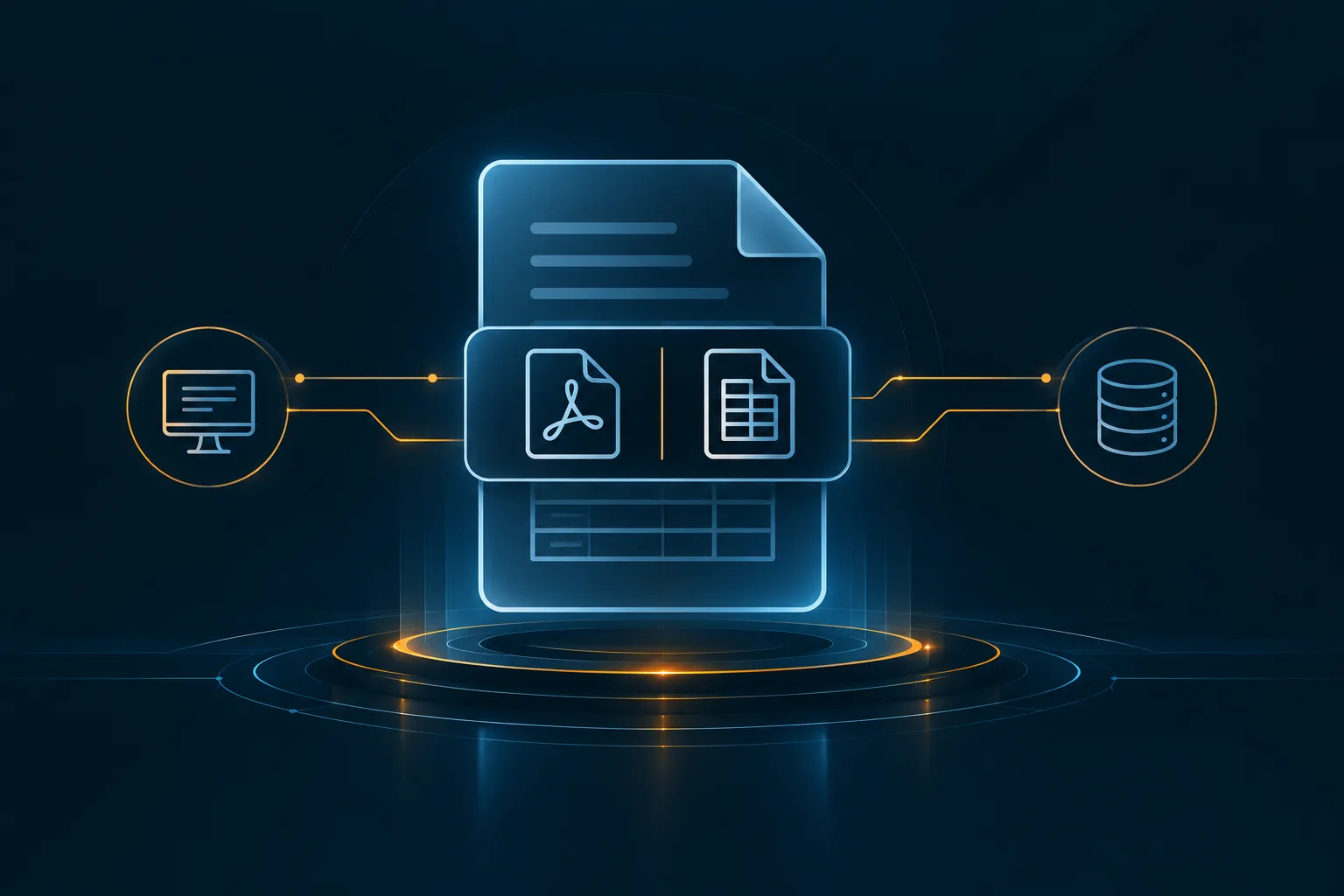
The ZUGFeRD invoice is just another PDF document, but it includes a layer invisible to most users – the structured XML file, machine-readable and accessible without viewing the file itself. This is the main benefit of the ZUGFeRD standard, since it allows German businesses to have invoices that can be understood by people while still being able to automate their business finances.
The manual will explain the structure of the format, profiles to use, mapping of the invoice data, areas of issues when validating, and, finally, a checklist of items before implementation.
It is aimed at the financial, IT, and ERP departments that must exchange these invoices.
Role of the ZUGFeRD Format in E-Invoicing
ZUGFeRD was invented in Germany by the Forum elektronische Rechnung Deutschland (FeRD). It is a hybrid invoice with one file, two layers. The outer layer is a PDF/A-3 file, which serves as the human-readable document. The inner layer of the file is XML-based and contains information which is processed by machines. ZUGFeRD is used for B2B invoicing, where the customer views and accepts the invoice in PDF form while the accounting system reads the XML file.
The task of explaining ZUGFeRD’s place in the broader picture will not be very hard. XRechnung is an invoice in the pure XML format, and it is used mostly for sending invoices to public authorities. ZUGFeRD is suitable for companies that want to send invoices their customers can read. Both formats are based on the same European semantic standard and are therefore compatible with other structured European e-Invoicing standards.
Since version 2.1, ZUGFeRD has been technically aligned with the French Factur-X format, allowing businesses to use the same invoice format for customers in both countries. However, businesses must also consider country-specific regulations, including Germany’s e-Invoicing requirements, to ensure compliance.
ZUGFeRD Format Structure and Required Data
The easiest way of understanding the concept of the ZUGFeRD format is by considering it a kind of package rather than a document because there are three elements that need transportation, and any problem with each element will ruin the whole invoice:
- PDF/A-3 envelope. The invoice that can be read. PDF/A-3 is an archivable version of PDF, in which you can attach other files—exactly what you need for your XML element. Therefore, only PDF/A-3 invoices, not a standard PDF, can hold structured information.
- Embedded XML. It contains structured data of the invoice in UN/CEFACT Cross Industry Invoice (CII) format.
Required identifiers and business data
Whatever profile you pick, your XML needs some core stuff to work seller and buyer names and addresses, VAT IDs, invoice number and issue date, currency, tax category and rate, totals, payment terms. Some profiles add line items, unit codes, allowances and references. Public sector buyers also need a buyer reference like Leitweg-ID.
ZUGFeRD profiles control how much data goes into the XML. Six options exist, running from bare bones to packed:
Minimum and Basic WL skip line items. Just header and total data. Not enough for a real e-invoice, so don’t send these to customers as one.
Basic throws in line items but leaves out fields the European standard wants. Some partners take it, some don’t. Verify it works before you use it.
EN 16931 profile used to be called Comfort. Has the full European standard data set. Safe bet for most B2B work.
Extended covers everything in the standard profile plus extra fields for unusual or industry-specific stuff.
XRechnung aligns with German public sector rules. Use it when buyers demand it.
Most companies keep it straightforward: stick with the full standard profile or go higher. Only jump to Extended when your invoices need those extra fields.
XML File Name, Schema and Metadata Requirements
XML in CII syntax gets attached to the PDF with a fixed file name, factur-x.xml in current versions. Older versions used different names. That’s why older files and newer readers sometimes clash.
PDF metadata also needs to declare the attachment correctly. Gotta include the profile and version. Skip that and software won’t recognize it as ZUGFeRD at all.
One rule beats everything else: PDF and XML come from the same source data. When they split, the readable invoice shows one thing. The machine-readable one shows another. Automated processing follows the XML.
Creating and Mapping Invoice Data
Most of the work happens before you even have a file. Your ERP holds the commercial data. Each field needs mapping to the matching XML element. Here’s what keeps it working:
- Always start with one data source. Create both XML and PDF file using only one invoice record. Do not use two exported files.
- Begin with the mapping of master data first. The seller’s and buyer’s data, VAT numbers, and all the payment details. Everything should be filled in the ERP.
- Convert codes to standard lists. Units of measure, tax categories, currencies, and payment means. All use standard code lists. Free-text values will fail validation.
- Check your calculations. Line totals, tax amounts, and rounding. Everything must add up exactly as the XML states it.
- Render the PDF, embed the XML, write the metadata with the correct profile.
Teams working on invoice integration with an ERP will find that the most difficult thing is not the file format but the data itself. No VAT number. The unit code was not mapped in the ERP system. They become failed invoices in the end. It is cheaper to fix the source.
Validation and Common Failure Points
A ZUGFeRD invoice looks good on your screen. Doesn’t mean it’ll work. The validation process is done in three different locations. Firstly, the XML file must be well-formed and validated against the schema. Secondly, all business rules of the European standard must be met, and all sums must match. Finally, the PDF file must comply with PDF/A-3 standards and embed XML. The PDF itself must conform to PDF/A-3 with XML embedded properly.
Most common failures:
- The profile declared in metadata doesn’t match what’s in the XML.
- Required values missing. Buyer reference. VAT ID. Tax exemption reason.
- Unit codes or tax categories entered as free text instead of standard codes.
- Rounding differences between line items and totals.
- Fonts not embedded in the PDF or other PDF/A-3 conformance issues.
- XML is missing, misnamed, or shows different amounts than the visible invoice.
That last one is dangerous. Some systems quietly fall back to reading the PDF and processing it manually. Broken XML can sit there for months. Automation benefits never happen. Nobody notices until something breaks.
Build e-Invoicing validation controls into your process. Check invoices before they leave your system, not after a customer complains.
Storage, Traceability and Reuse
Once you send or get an invoice, store the complete file exactly as it came or went out. Convert it to an image or keep only the PDF view, and you lose the structured data. That means losing what makes it an e-invoice in the first place.
Good traceability means you can answer a few quick questions about any invoice. Which profile and version got used. What the validation said. When and how it was sent. Which ERP document it came from. Keep the validation outcome right next to the invoice file. Audits get easier. Customer questions get easier.
Embedded XML does more than just compliance work. Accounts payable teams read it and post invoices without retyping everything. Finance teams grab the structured fields for reporting and analysis. Reuse happens. That’s where the format starts paying back what you put into setting it up.
Pre-Production Checklist Before Go-Live
Before the first live invoice goes out, run through this list:
- Find out which profile and version each of the main customers will accept.
- Validate sample files at all three levels: schema, business rules and PDF/A-3 compliance. Open-source tools such as Mustang and veraPDF are commonly used for this.
- Review the tricky scenarios like credit notes, goods with different VAT rates, zero-rated and exempt goods, as well as discounts and deductions.
- Verify that the visible PDF agrees with the embedded XML of the invoice.
- Do not forget to review the inbound path as well since your AP process should be capable of reading the XML invoices received from the vendor.
- Decide who will be responsible for rejected invoices: either someone who will update the master data, someone who will resubmit the invoices, or someone who will contact the customer.
Finally, what you have to do before the system goes live is to ensure that your ERP generates the ZUGFeRD file using the right profile. If your customers are public administrations, then the best choice is the Germany e-Invoicing solution that works with both XRechnung and ZUGFeRD formats.
Conclusion
ZUGFeRD offers German businesses a practical way to combine human-readable invoices with structured data for automated processing. However, successful implementation depends on more than embedding XML into a PDF/A-3 file. Choosing the right profile, maintaining accurate ERP data, mapping invoice fields correctly and validating both document layers are equally important. Businesses should also establish clear processes for storage, traceability and handling rejected invoices. By addressing these requirements before go-live, finance and IT teams can reduce validation failures, improve invoice processing and make better use of automation while ensuring their ZUGFeRD invoices meet the required e-Invoicing standards.
FAQ's
ZUGFeRD is an e-invoice format designed in Germany. It includes a PDF/A-3 human readable invoice and XML that carries the same invoice data in structured format. It is based on the European e-invoice standard in specific usable profiles and mainly used for B2B invoices.
XML is embedded into the PDF/A-3 document that allows such attachments, and the PDF metadata highlights the presence of such an attachment and its specific profile. Anyone can read the PDF, but software automatically extracts the XML for processing, normally without any additional manual efforts.
Minimum and Basic WL do not provide sufficient data and thus cannot be considered proper e-invoices. The standard level and Extended profiles fully comply with the expectations in Europe. XRechnung is designed for public sector customers. Basic profile is treated differently by various sources and partners and thus should be tested for acceptability first.
Since the version 2.1, the two standards become technically identical in terms of the same XML schema, the same PDF/A-3 container, and the same profile format. This is why the naming conventions are based on the countries in which the standards are used, such as Germany and France, meaning that the compliant document may suit both environments.
The process includes the extraction of the XML, its validation regarding the schema and European business rules. Then comes the PDF validation for compliance with PDF/A-3 and validation of the XML declaration within the metadata of the PDF.
Author


Kesha Shah
General Manager - Products Marketing
Kesha Kumar leads the global products marketing team at Cygnet.One, where she turns the complexity of tax and finance transformation into stories that resonate with the people who matter most. She’s the strategic force behind the brand’s presence across India, the GCC, Southeast Asia, and Europe, translating dense subjects like e-Invoicing mandates, digital engineering, and enterprise AI into narratives that inform and drive action. With expertise spanning tax and finance transformation, quality, enterprise applications, and data and AI, Kesha blends sharp strategic thinking with a marketer’s instinct for what truly connects. At Cygnet.One, she does more than build campaigns and content; she shapes the conversations that help enterprises navigate compliance with clarity and confidence, propelling the brand to the forefront of the industry along the way.