

































Introduction
With InvoiceNow in Singapore, organizations will be encouraged to switch from sending invoices in PDF format or emails to exchange of data in a structured manner. For those using SAP as the platform, this is far more than just compliance. The choice you make about integrating SAP InvoiceNow will either ensure that your invoices exit the ERP properly, reach the customers in time, and return with the proper status information, or will mean that during the month-end period the finance department will be busy cleaning up all the rejected invoices.
This blog covers the SAP InvoiceNow integration process, including SAP data and connectivity requirements, pre-submission validation, status management, testing, and production monitoring. It is designed to help finance, tax, and IT teams establish a shared understanding of the integration process before implementation. Familiarity with the broader Singapore e-Invoicing requirements can also help teams align their technical preparations with regulatory expectations.
SAP InvoiceNow Integration Workflow
InvoiceNow is the national e-invoicing platform in Singapore, based on the Peppol model. Companies do not connect to it directly. Instead, they must connect to the Access Point Provider (APP), a certified third party transmitting and receiving Peppol documents for them. Because Peppol is used in many markets, the same principles apply across international e-Invoicing standards, with Singapore-specific rules layered on top.
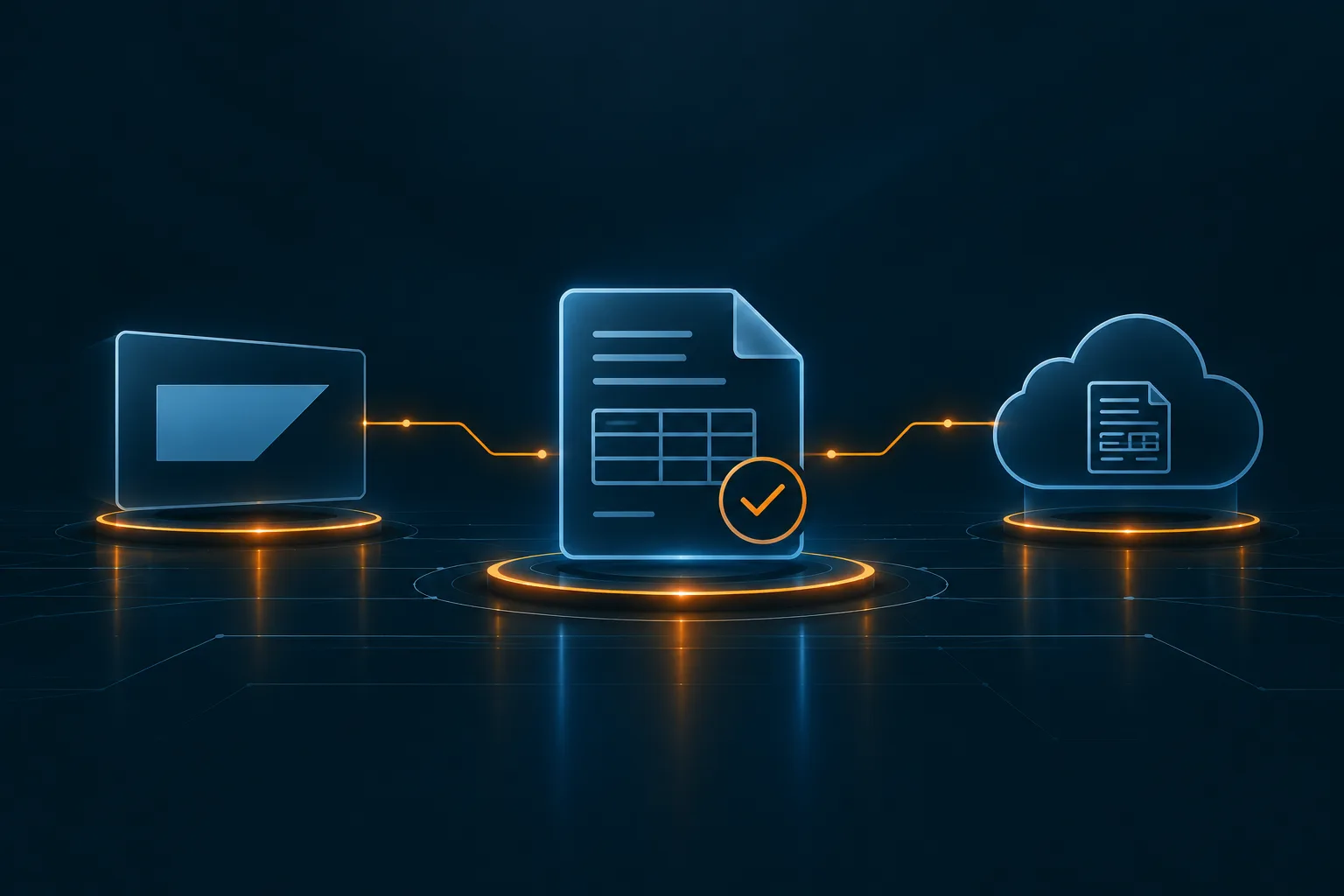
Typically, the flow in an SAP environment consists of five phases:
- An invoice is generated and posted in SAP, using SD billing or FI.
- Data is extracted and converted to the structure according to the Peppol model.
- Document validation occurs against both format and business rules.
- The APP transmits the document to the buyer’s access point.
- Delivery status is received back in SAP.
The most important thing to consider in this case is where the conversion process takes place in SAP, in the middleware, or in some external compliance system. Usually, organizations find it convenient to leave SAP as clear as possible and perform conversion in the extra layer because format and validation requirements are much more changeable than ERP configuration.
Required Data and System Connections
SAP Peppol Singapore connectivity success begins with understanding what the network expects from your ERP system and which systems need to communicate. Problems identified at this stage are much cheaper to solve than those discovered through testing.
Master data, transaction data and identifiers
InvoiceNow invoices require correct information about the parties and taxes. Three main types of data have an impact:
- Master data: name, address of supplier and customer, GST number, UEN, payment terms.
- Transaction data: invoice number, date, currency, items, amounts, unit price, tax.
- Identifier data: your Peppol participant ID and customer ID required for the invoice routing.
Customer master data is usually a headache for all teams. Absence of UEN, incorrect or outdated address or tax code is a frequent issue in legacy SAP systems that always leads to an error later. It is worth investing in cleaning the data before starting integration work.
APIs, middleware and access-point connections
In general, SAP does not communicate directly with an Access Point Provider. Instead, there will be an outbound extraction (such as an IDoc, OData service or custom report) which gets delivered to SAP Integration Suite or other middleware software which then communicates via the APP’s API or file connection. This route must also provide status updates back to SAP.
It is important to coordinate authentication, certificate management and networking from day one with your IT and Security teams. This list of items is normally not included in the finance project planning but can cause more delays to go-live than any mapping issues.
ERP-to-Platform Data Flow
With the definitions made, another issue becomes apparent – how does the data flow, and how often? In most cases, SAP teams make a choice between near real-time and scheduled batch flows.
In a near-real-time scenario, every invoice will be passed to the platform as soon as it has been posted. It makes the delivery quicker and highlights errors instantly yet requires solid middleware and good control of retries. The scheduled scenario, where invoices will be collected and passed after several minutes or even hours, is easier to maintain and is suitable for businesses with stable billing schedules.
Regardless of your choice, the platform must get a completed and finalized invoice. Passing drafts and invoices which can be reversed will create difficulties with reconciliations that won’t be easy to sort out. Credits and cancellations must also have their own channels. As they are different document types and have their references to the initial invoice, they cannot be considered as exceptions.
Pre-Submission Mapping and Validation
The point of mapping is where the internal structure of SAP collides with the Peppol invoice structure. Every field from SAP needs to find its corresponding element and the logic of this correspondence must be explained. Below is an example of how the mappings are done.
| SAP source | InvoiceNow element | Common issue |
| Billing document number | Invoice ID | Duplicate numbering across company codes |
| Customer tax number / UEN | Buyer identifier | Missing or inconsistent values in master data |
| Condition types and tax codes | Tax category and rate | Local tax codes not mapped to standard categories |
| Header and item text | Notes and line descriptions | Special characters or excessive length |
| Payment terms key | Payment terms and due date | Terms that do not translate into a clear date |
SAP GST InvoiceNow compliance is particularly important in this context, as the tax amounts reported in e-Invoices must align with the figures declared in GST returns. Any discrepancies may require finance teams to provide explanations to both customers and tax authorities. Understanding the broader Singapore GST compliance requirements can help teams maintain consistency in tax treatment and reporting.
Validation needs to take place prior to submission and not post-submission. The schema validation ensures that the invoice document structure is valid. The business rule validation ensures that the amounts reconcile and mandatory fields are populated. It helps to catch any errors in the integration layer before sending out the erroneous document to the customer.
Post-Submission Statuses and Exceptions
Submitting does not mean everything is done; submitting successfully just means the document has been transmitted to the network, and not that the buyer has agreed to accept it. This means that SAP project teams must be able to see what has happened with each invoice once it leaves the SAP system.
| Status | What it means | Typical action in SAP |
| Submitted | The invoice reached the platform or APP | Mark as in transit |
| Delivered | The buyer’s access point received it | Update the invoice record |
| Rejected / failed | A validation or routing error occurred | Route to an exceptions queue for correction |
| Acknowledged / processed | The buyer’s system confirmed receipt or processing, where supported | Close the item and update the audit trail |
An exception must have an owner. What often happens with failures is that there is an exception rejection that ends up in a technical log that is never checked. Exception handling should be done by placing exceptions in a queue, using clear language for the error descriptions and not technical codes. The assignment of responsibilities according to the nature of the errors makes sure that the queue remains small.
End-to-End Testing Before Go-Live
The tests must cover the entire path of invoice processing, rather than separate elements. Good test cases consider the following issues:
- Scenario: invoices in a standard format, credit notes, invoices with several lines and taxes, foreign currency invoices and cancelations.
- Variety of input data: customers with or without Peppol IDs, and customers with incomplete master data.
- Failure modes: rejected invoices, network timeouts, duplicating invoices and delayed status responses.
- Reconciliation: checking the consistency between the records in SAP, in the platform, and in the tax report.
Involve businesspeople in testing in addition to developers. Financial specialists are in the best position to evaluate if error message is clear, and if the procedure of correction is feasible. It is surprising how many problems with enterprise e-Invoicing implementation that occur in practice are associated with this step and its execution on clean data.
Production Monitoring
Go-live marks the start and not the end of the project. For the first few weeks, one should be monitoring volume submissions, rejections, and the time it takes for status to revert to SAP. High rejections usually mean there is an inherent problem, such as a new customer group having bad master data or tax codes that are not mapped.
Dashboards and alerts are very useful tools, but only if they have some person to manage them. Identify who monitors exceptions daily, who will be approving changes to master data and who will be in touch with the APP. Sustained SAP e-invoicing Singapore operations depend on these processes as much as on the actual build. Reviews can be helpful at regular intervals as well since network rules and specification may vary, and you have to make sure mappings match these changes.
The topic of business continuity deserves an individual plan. In case of a failure in the APP and middleware, it should be decided whether the invoices will be automatically queued and re-sent, or some other process should be applied. The agreement should be reached in advance and not during the situation itself.
Bringing It Together
Successful integration depends on accurate data, seamless data flow, proper validation, and effective status tracking. Businesses that approach SAP Peppol Singapore readiness as a shared responsibility between finance and IT teams, rather than solely an IT project, can reduce invoice rejections and post-implementation issues. An e-Invoicing solution for Singapore can support this process by integrating with SAP to manage invoice mapping, validation, access point communication, and status tracking.
Conclusion
Integrating SAP with InvoiceNow requires a coordinated approach across finance, tax and IT teams. From accurate master data and Peppol mapping to pre-submission validation and status management, every stage plays a role in ensuring reliable invoice exchange. Businesses must also prepare for rejected invoices, test different transaction scenarios and establish clear ownership for exceptions and production monitoring.
A well-planned integration can reduce manual corrections, improve GST data consistency and minimise invoice processing delays. By treating InvoiceNow readiness as an ongoing operational process rather than a one-time technical implementation, organizations can build a more reliable and efficient e-Invoicing workflow in Singapore.
FAQ's
Yes. SAP is not connected to InvoiceNow. SAP provides the invoice data to the APP via middleware or integration platform. Then APP pushes the invoice into Peppol Network. The same channel returns delivery status.
The minimum data to map from SAP would be invoice identifier and date, supplier and buyer, GST and tax data, line items and totals, currency, and payment term. For credit notes, mapping will include reference numbers to the initial invoice. Clean customer master data before mapping to minimize rejections.
Yes. Your company needs to have a Peppol Participant ID, based on your UEN and registered through the Access Point Provider. You customers require identifiers to route the invoices to the proper access point, whatever ERP they use.
The status needs to be fed back through the same middleware or platform integration into SAP as a status on the invoice. Rejected invoices need to be reflected in a worklist with error messages in a format that finance users can use to fix and re-submit.
Queues and retry mechanisms, notifications when a submission fails, procedures for manual fallback and owners for escalation. This all needs to be documented and tested before go-live.
Author


Kesha Shah
General Manager - Products Marketing
Kesha Kumar leads the global products marketing team at Cygnet.One, where she turns the complexity of tax and finance transformation into stories that resonate with the people who matter most. She’s the strategic force behind the brand’s presence across India, the GCC, Southeast Asia, and Europe, translating dense subjects like e-Invoicing mandates, digital engineering, and enterprise AI into narratives that inform and drive action. With expertise spanning tax and finance transformation, quality, enterprise applications, and data and AI, Kesha blends sharp strategic thinking with a marketer’s instinct for what truly connects. At Cygnet.One, she does more than build campaigns and content; she shapes the conversations that help enterprises navigate compliance with clarity and confidence, propelling the brand to the forefront of the industry along the way.