
































The choice isn’t whether InvoiceNow should be implemented for most finance teams in Singapore. The choice is how to link it into their existing systems without impacting billing, collections, or month end close.
The phased implementation of the GST InvoiceNow requirement starts with those companies that register for GST on a voluntary basis within six months of incorporation (from 1 November 2025) and all new voluntary registrants from 1 April 2026. Under the Singapore e-Invoicing rollout those currently registered with GST will phase in through to 1 April 2031, with small businesses first. Only because the deadline is further out doesn’t mean there is less work involved. Connecting InvoiceNow involves master data, ERP configuration, middleware, access points, and exceptions. Also, the earlier a team starts, the sooner they find issues and fix them.
This guide covers everything you need to know about the InvoiceNow integration process, from connections and configurations through testing and post-go live monitoring.
The InvoiceNow Integration Workflow
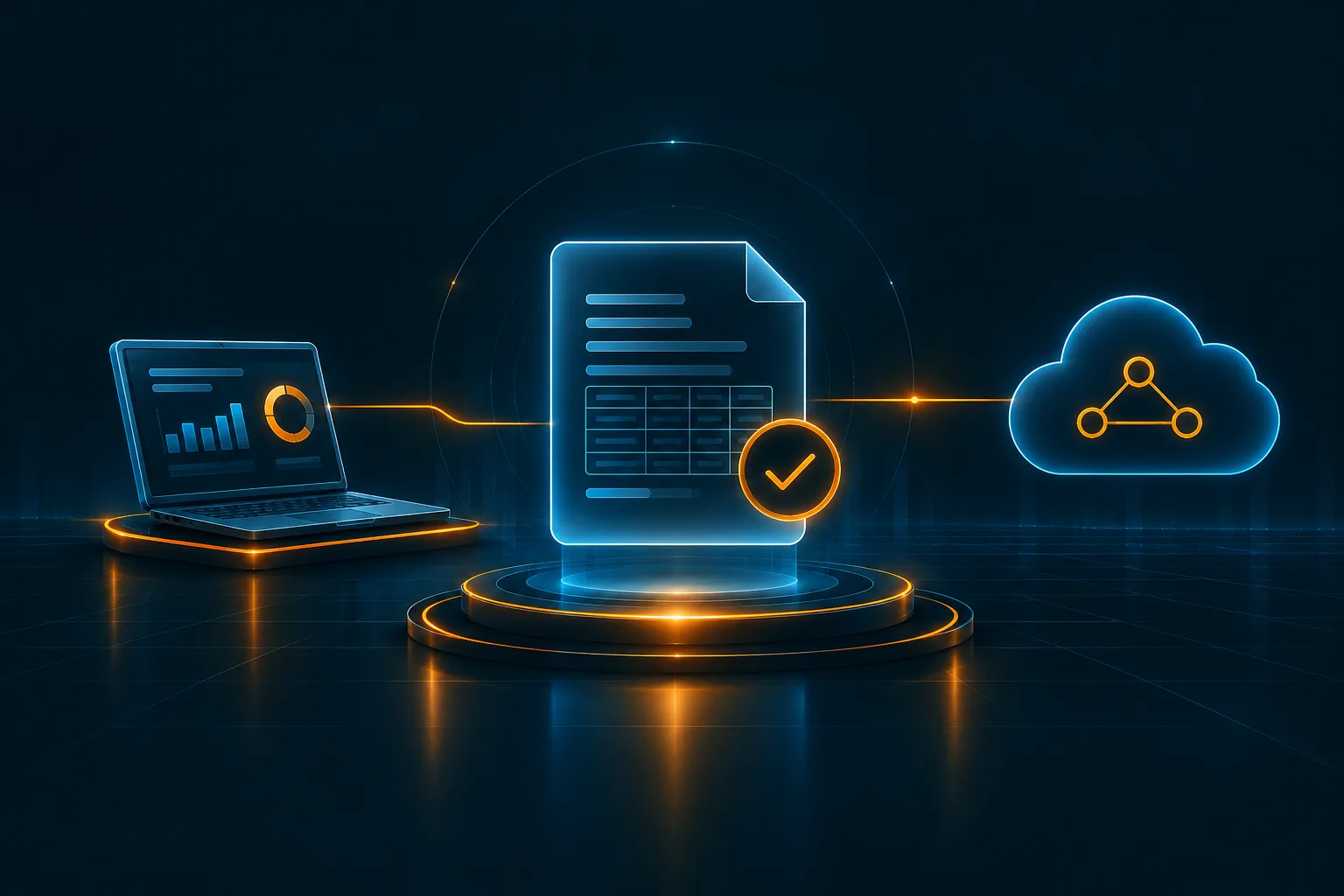
InvoiceNow is the e-Invoicing network of Singapore based on the Peppol architecture. In practice, your ERP or billing application generates an invoice in a structured way. This is then sent to the network via an accredited access point, and the invoice data as per the GST InvoiceNow requirements reach IRAS.
The entire process can be broken into five steps.
- First, the invoice data is extracted from the source system
- Second, it is mapped and validated in accordance with the necessary format;
- Third, it is transferred via your access point
- Fourth, status responses are sent for tracking;
- Fifth, it is monitored in production mode.
The same pattern shows up across markets, and understanding integration and data-readiness challenges will allow you get the hold of e-Invoicing programmes in more detail elsewhere.
Required Data and System Connections
Master data, transaction data and identifiers
Structured invoices are far more unforgiving than PDF invoices. While a person reading an invoice can accept a blank field or inconsistent naming of taxes, a validation engine will not. Audit the data that goes into your invoice first. Your supplier database needs to be fully populated, and so does your customer database, because any lack of an identifying attribute will hold the invoice back during the validation stage.
Data categories you should audit include:
- Supplier master data: company legal name, GST registration number, UEN, address, and Peppol participant identifier.
- Customer master data: all the identifiers mentioned above, as well as the customer’s Peppol identifier in case invoices are sent on the network.
- Transaction data: invoice number, date, currency, line items, quantity, unit price, GST category and rate, and totals.
- Reference data: unit of measure, tax category, and currency codes that correspond to the code lists.
Peculiarities in your invoice structure can include free-form fields, inconsistent tax codes for different business units, and inconsistently cleansed customer records from previous migrations. It’s far easier and cost-efficient to clean them at the source than patch in the mapping layer.
APIs, middleware and access-point connections
Your ERP system does not communicate with the Peppol network directly most of the time. Typically, your environment has three tiers: the ERP or billing system (SAP, Oracle, Microsoft Dynamics, NetSuite, or a custom-made one), an integration tier (middleware or compliance solution) responsible for mapping and orchestration, and an InvoiceNow-Ready access point that delivers documents to the network.
Most access-point providers provide the InvoiceNow API for sending invoices and checking statuses. The quality of the API greatly affects the integration process, which is why you need to carefully analyse the access point when choosing one. What does it support? How good is it in terms of authentication and security? Can it accept your native format, or does it need a transformation for payload preparation? Does it have any limitations regarding the rate of requests (billing run)? Is it capable of webhooks or can it only poll the status?
Instead of building and managing these integrations independently, a Singapore e-Invoicing platform can act as an interface between the ERP system and the access point, handling mapping, validation, transmission, and status monitoring. This allows teams to integrate once while the platform manages the underlying connectivity.
ERP-to-Platform Data Flow
In the case of an outbound flow, an invoice is first created and posted in the ERP system. Once an invoice and its master data are triggered (event, a job run, an API request), the integration layer maps and validates ERP fields. Finally, the invoice reaches the access point and gets distributed through the network, and the status messages are recorded in the ERP so that the finance users can view the status on the invoice record.
The final step is often overlooked. Without proper status tracking, accounts receivable teams may struggle to determine whether an invoice has been accepted and may need to check a separate portal for confirmation. This highlights the importance of automation in improving invoice visibility and streamlining the invoice-to-cash process within an ERP-integrated InvoiceNow setup.
You must also make an early decision on whether the processing is to be carried out in real time or in batches. Real-time processing is suitable where there are large volumes of invoices and time sensitivity in the billing process, whereas batched processing is easier to implement but is subject to delayed detection of errors. Either way, keep in mind that the information must be sent to IRAS either on the date that the GST is filed or the filing deadline.
Pre-Submission Mapping and Validation
Mapping is where reality meets the specification. The data model of your ERP will not match the structured invoice perfectly, so you will need a mapping that maps every source field to the corresponding target element with any transformation rules. Every data element that IRAS needs to receive from your system is obligatory and must have reliable source. If such source is missing, you will need to create it, for instance, by introducing additional field into your customer or product master.
Certain scenarios require special consideration, since they are likely to fail during mapping:
- Credit notes and debit notes that reference the original invoice.
- Discounts and charges at line and document level.
- Multi-currency invoices and rounding.
- Zero-rated, exempt and out-of-scope supplies, depending on proper tax category codes.
Validation should take place before submission rather than after. Schema validation helps identify structural errors, while business rule validation detects logical inconsistencies, such as mismatched totals or tax types that do not align with the applicable tax rates. Identifying and rejecting incorrect invoices within your own system is more cost-effective than addressing errors after submission and helps prevent inaccurate data from reaching customers and tax authorities. For businesses operating across multiple countries, a standardized validation process can also simplify compliance with different e-Invoicing frameworks and regulatory requirements.
Post-Submission Statuses and Exceptions
Issuing the invoice is only the start of the process; you will get statuses back from the network and from your access point that your integration needs to deal with in the appropriate way. Acknowledgements should be logged against the invoice for accepted and delivered invoices, while rejections should go to the right place with a clear message rather than just an error code. Pending invoices should generate an alert if they surpass a certain threshold time and technical errors like time-outs or auth failures should be retried with back-off.
Here, the most helpful thing to do is to categorize exceptions based on the type of error. Data quality exceptions require a master data fix, map errors need developers, and transport problems need a technical assessment of the infrastructure or the provider. Having all three types of exceptions going into one queue ends up making the financial department deal with technical problems, while data quality issues will never see the light of day.
End-to-End Testing Before Go-Live
The testing needs to be performed from end-to-end from ERP posting to access point transmission and status write-back, not only the mapping test. An efficient test strategy should involve:
- Individual testing of the mappings and transformations.
- Scenario testing for each document type, such as invoices, credit notes, multi-line, multi-currency, and zero-rated documents.
- Negative testing using faulty data to check that the system is capturing the faults and routing them.
- A volume test to mimic the peak billing run.
- User acceptance testing with the AR and Finance team that will use the system daily.
Leverage anonymized invoices from history as much as possible. The test data that you create is going to be much cleaner than the production data and will lack the outliers that lead to go-live issues. Another piece of advice is to agree to the exit criteria ahead of time, which includes no critical bugs and a defined first-pass acceptance rate.
Production Monitoring
The key to reliability post go-live is the monitoring component. The idea is to detect potential issues before the customer or the tax authority does so. At a minimum, you should monitor submission volumes versus expected number of invoices, to detect those invoices which were never sent from the ERP system as well as the first pass acceptance ratio and typical rejection reasons. End-to-end latency, depth of retry queues as well as access point and its InvoiceNow API availability complete the list.
Issue alerts based on deviations and not on errors alone. A drastic decline in volume or increase in rejections due to a specific reason most likely indicates an upstream change, like a new tax code, updated template or bulk master data load. The dashboard should be reviewed at least once per week for a few months after go-live and the insights should be used to improve the data quality. A fallback plan is always useful to document since it is inevitable that one day someone will need to use it.
Conclusion
The key elements of success in implementing such a programme would be to have data preparedness, In addition businesses must select an architecture that works for the ERP environment, and take testing and monitoring into consideration during development itself. In case you are trying to understand the scope of Peppol integration in Singapore, then it will help if you start off by auditing your data and deciding on your access-point and middleware selection strategy, as those two aspects will drive most of the rest of the process.
FAQ's
Yes. A lot of organizations use customized ERPs, and they use an integration layer to achieve this rather than altering the ERP core itself. The middleware/compliance platform will extract the data, structure it, and take care of its transmission. Your work is mostly about mapping your custom fields and ensuring that every required data element has a source.
The access point is the accredited entry point responsible for sending invoices across the Peppol-based network and receiving their statuses. Your ERP/integration layer will interface with it via an API.
Mandatory data elements for invoice data provided by IRAS are outlined in the IRAS e-Tax Guide. They include supplier and customer details, invoice IDs and dates, item data, taxes, and totals. Make sure that you have the current IRAS e-Tax Guide and all mandatory data elements have sources.
Test the entire flow from ERP posting to access point transmission and status write-back. Test all invoice types, including negative and volume tests, and use anonymized production data wherever possible; and conduct user acceptance testing with financial staff before finalizing go-live criteria.
Queue up the invoices in the integration layer and retry automatically using back off techniques rather than silent failure. Inform the support team, document the incident, and resubmit after the service has been restored. Maintain the fallback documentation so that you can make the GST return on time.
Author


Kesha Shah
General Manager - Products Marketing
Kesha Kumar leads the global products marketing team at Cygnet.One, where she turns the complexity of tax and finance transformation into stories that resonate with the people who matter most. She’s the strategic force behind the brand’s presence across India, the GCC, Southeast Asia, and Europe, translating dense subjects like e-Invoicing mandates, digital engineering, and enterprise AI into narratives that inform and drive action. With expertise spanning tax and finance transformation, quality, enterprise applications, and data and AI, Kesha blends sharp strategic thinking with a marketer’s instinct for what truly connects. At Cygnet.One, she does more than build campaigns and content; she shapes the conversations that help enterprises navigate compliance with clarity and confidence, propelling the brand to the forefront of the industry along the way.